 |
YARP
Yet Another Robot Platform
|


|
|
YARP
Yet Another Robot Platform
|
|
The yarpviz is a graphical tool for profiling and visualizing YARP network!
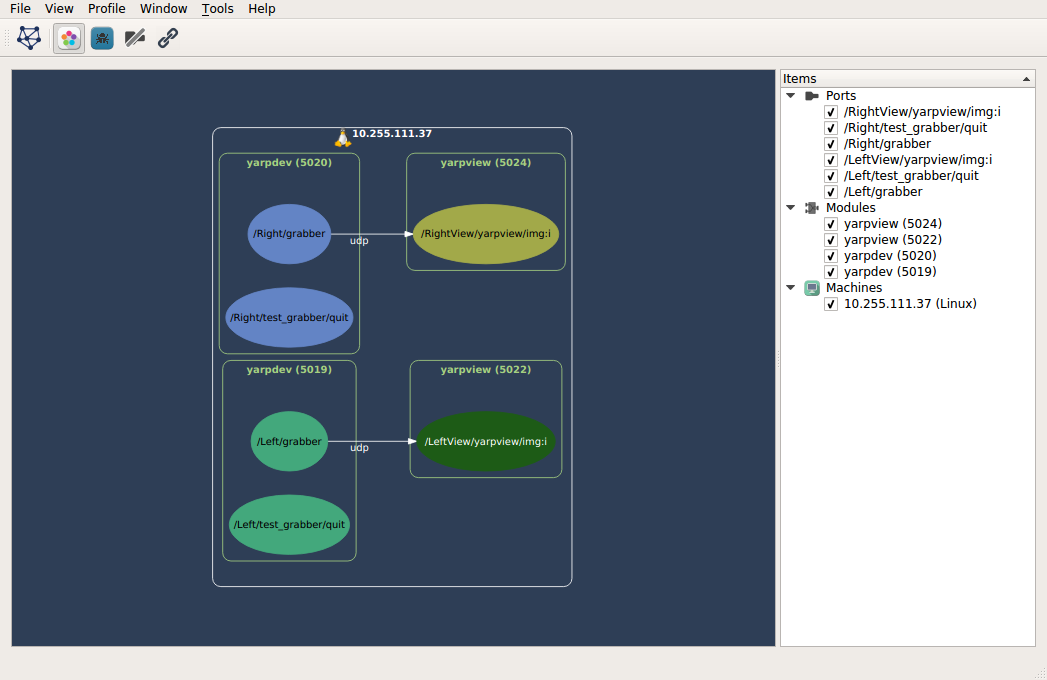
To be compiled, YARP has to be configured with YARP_COMPILE_GUIS=ON and YARP_COMPILE_yarpviz=ON
Download and install the library from (http://www.graphviz.org/Download_windows.php).
Set GRAPHVIZ_ROOT to point the installed directory (usually C:\Program Files\Graphviz2.38 or C:\Program Files (x86)\Graphviz2.38).
Append GRAPHVIZ_ROOT%\bin to your PATH variable.
 1.8.20